Facebook page violation and fraud

How the scam works
Step 1: You receive a message or email that appears to be from Meta/Facebook, stating that your Page has violated their rules.
Step 2: The message includes a case ID and a link to "Appeal" or "Chat with support."
Step 3: The link opens a fake Facebook/Meta page, where you are asked to log in and, sometimes, to enter your two-factor authentication (2FA) code.
Step 4: If you enter your information, the scammer logs into your real account, changes your password, and takes control of your account.
Step 5: They may post paid ads, send messages to your followers, or demand payment to "unlock" your Page.
✓ Do this:
Check the legitimacy of your Page/account on Facebook or Business Suite; don't trust the message.
Enable two-factor authentication (2FA) and use a strong, unique password.
Remove unknown admins from your Page and regularly review ad account activity.
✗ Avoid this
Don't click on links in unexpected messages about violations or blocks.
Don't enter your Facebook login information or two-factor authentication code on sites other than facebook.com or meta.com.
Don't chat with technical support agents on third-party websites or allow them remote access to your device.
Don't pay fees or provide your credit card information to unlock your Page.
Don't trust case IDs, logos, or addresses in messages; check within Facebook instead.

Related Readings
By IAFCRO
How the scam works Step 1: You receive a message or email that appears to be from Meta/Facebook, stating that your Pag...

By IAFCRO
Scammers impersonate courier companies (such as UPS, USPS, FedEx, DHL, Amazon, Royal Mail, and Canada Post)...

By IAFCRO
You receive unsolicited emails or letters claiming you'll receive a large inheritance, recovered funds, or a prize. These ema...
By IAFCRO
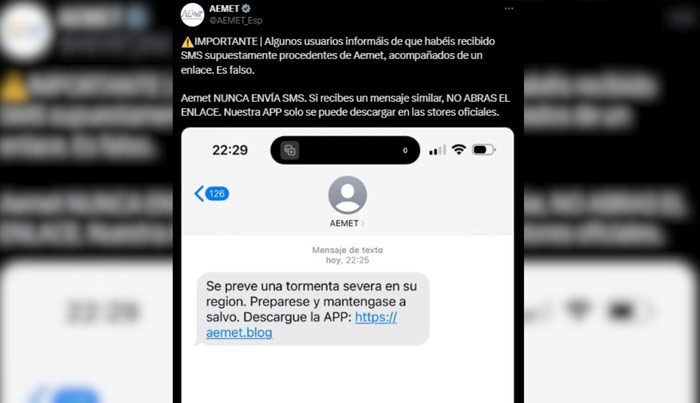
Scammers send enticing investment proposals to large groups of strangers via iMessage or SMS. These messages promise qu...
By IAFCRO
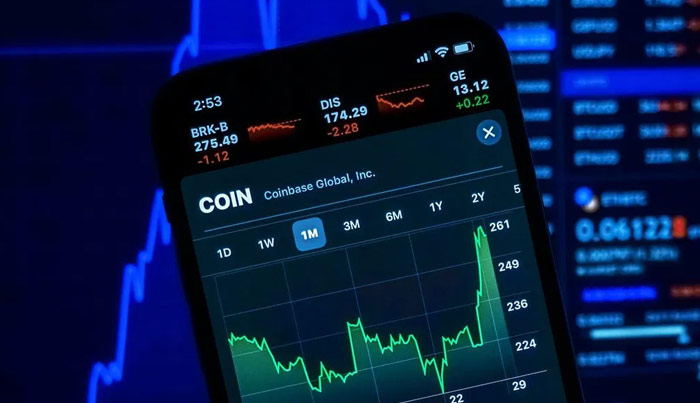
Los estafadores se hacen pasar por Coinbase y envían alertas falsas que afirman que su cuenta de Coinbase se ha vinculado con...